Automatic time tracking
Track your
immersion
time.
Connect your tools and track your immersion automatically. Active playback in Video Tracker and Audio Tracker adds to your time, without a separate timer.

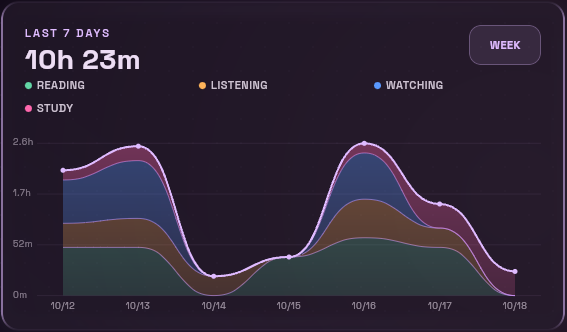
01 / Connected tools
Watch and listen.
Track the time.
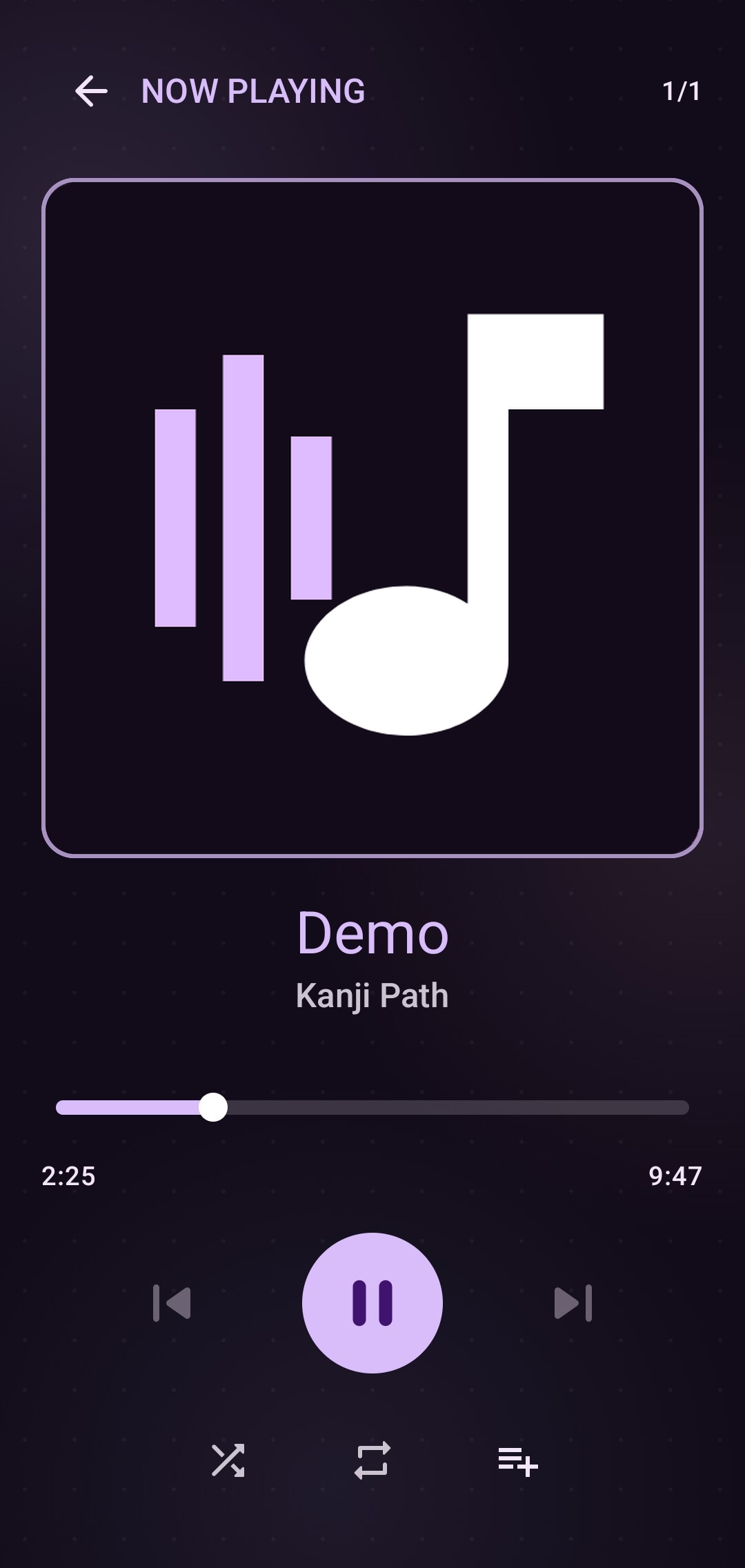
Play local videos and audio in Immersion Tracker on the web or Android. The players automatically count active playback.
- 01Connect supported tools to your dashboard.
- 02Watch or listen. The player tracks the time.
- 03Review your activity and daily totals together.
Link supported study tools too, including Anki and Kanji Path. Each source reports its own activity.
Browser extension · Beta
Track active YouTube watching and listening with the Immersion Extension. Choose what to track in your browser and connect it to your dashboard. Support for additional services is being added.

02 / For everything else
Missed a session?
Add it yourself.
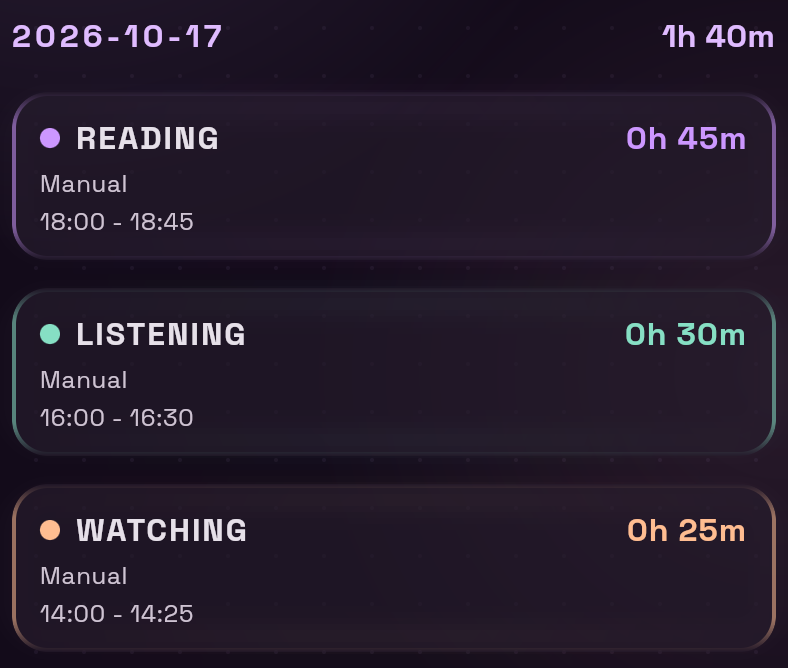
Automatic tracking handles your connected tools. When you read away from a screen or study somewhere else, manual logging fills the gap.
- 01Add the time and choose a category.
- 02Find the session in your history.
- 03Include it in your daily and weekly totals.
03 / Your data
Privacy and
your data
Account and study data is only used to run your account and sync progress.
Video Tracker and Audio Tracker play your local media. Your media files stay local; connected tracking sends activity records to your dashboard.
What gets tracked?
Tracking comes from supported, connected sources—not every app on your device. Video Tracker counts active, visible playback. Audio Tracker counts confirmed playback; on the web, seeking, muted audio and zero volume do not count.
Connected sources have their own reporting rules. Activity records carry timing and category information; manual entries cover time outside those tools.